

FB777 App Login: Find Out What’s Blocking Your Access
Opening an app and entering a password should be simple. Yet when FB777 App Login suddenly stops working, the hardest part is often figuring out what actually went wrong.
Did you enter the wrong password? Is the app outdated? Is your internet unstable? Or is the platform temporarily unavailable?
From a player’s point of view, these problems can look almost the same. The login screen keeps loading, the button does nothing, or the account simply refuses to open. That can easily lead to unnecessary password resets, app reinstalls, or searches for another APK.
A better approach is to find the cause first. This guide will help you identify common FB777 App Login problems and decide what to check before making unnecessary changes to an account that may still be working normally.
FB777 App Login Problems Usually Come From Three Places
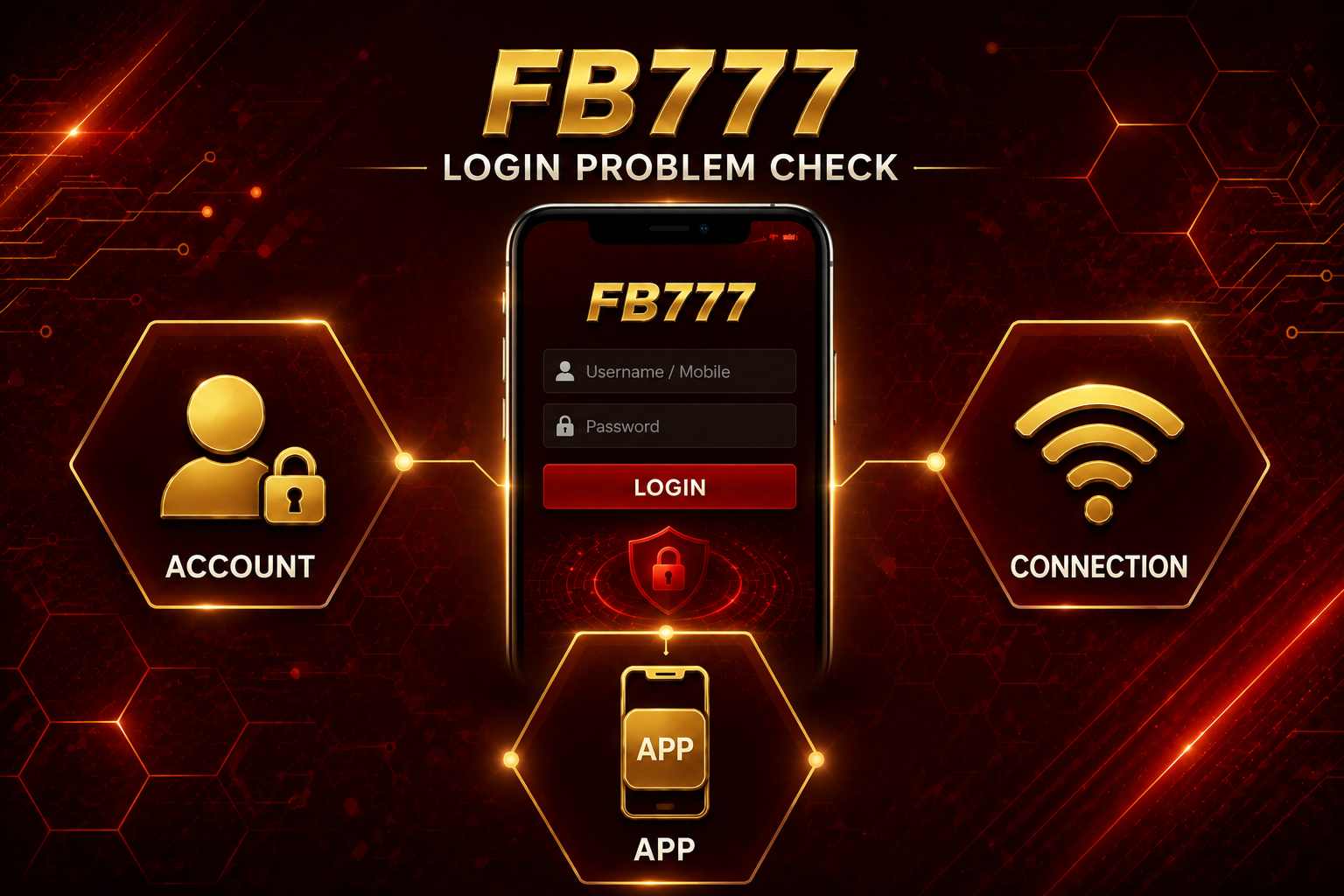
When FB777 App Login fails, start by thinking about three areas: your account, the app, and your internet connection.
You do not need to troubleshoot everything at once. Start with what you can see on the screen and narrow down the problem from there.
1. Account-Related Problems
If the FB777 app loads normally but rejects the information you enter, your account details are the first thing worth checking.
The cause could be as simple as an incorrect password, an old password saved by autofill, the wrong account identifier, or a verification step that has not been completed.
If the app itself is opening and responding normally, reinstalling it immediately is unlikely to be the best first move.
2. App-Related Problems
Sometimes your account information is correct, but the app itself is not behaving normally.
You might notice buttons that stop responding, pages that remain blank, or a login screen that does not load properly.
In that situation, restart the app first. If the same problem continues, check if your installed version is still current before changing anything in your account.
3. Connection-Related Problems
A weak or unstable internet connection can also make FB777 App Login look broken.
For example, you tap Login and nothing happens except a loading animation. Before assuming your password is wrong, switch between Wi-Fi and mobile data and try again.
If the same account works immediately after changing networks, your login details are probably not the problem.
Let the FB777 Login Screen Tell You What to Check
What happens after you tap Login can give you a useful clue about where to look next.
Instead of changing several things at once, match the problem you see with the simplest first check:
- Password rejected → Check what you entered.
- Keeps loading → Try another internet connection.
- Login button does nothing → Restart the app.
- App suddenly closes → Check the app version.
- Verification appears → Follow the verification instructions.
- Strange redirect appears → Stop and check the app or source.
For example, an endless loading screen gives you little reason to immediately change your password. Your internet connection or the app itself may be the better place to start.
Don’t fix five things at once. Let the login screen tell you what to check first.
When Should You Reset Your FB777 App Login Password?
Password reset makes sense when you genuinely cannot remember your credentials or have a clear reason to believe the password is no longer valid.
It should not be the automatic response to every failed login.
Imagine your FB777 account worked normally yesterday, but today the app gets stuck after you tap Login. Changing your password may not help at all if the real problem is your internet connection or the app.
Before resetting anything, try the easier checks first:
- Enter your current password manually instead of using autofill.
- Confirm that you are entering the correct account information.
- Switch between Wi-Fi and mobile data.
- Close and reopen the app.
- Check if your app needs an update.
- Wait and try again later if the platform appears temporarily unavailable.
If these checks point back to your credentials, then password recovery becomes the logical next step.
Saved Passwords Can Create Unexpected FB777 App Login Errors
Autofill is convenient until it quietly remembers the wrong information.
Suppose you changed your FB777 password a few weeks ago but your phone still has the old one saved. The next time you open the app, that outdated password could automatically appear in the login field.
Because passwords are usually hidden behind dots, you may not notice anything is wrong.
If your account suddenly reports an incorrect password even though you believe the information is right, delete the autofilled password and manually enter your current one.
That small check can save you from resetting a password that was never actually the problem.
Does Your FB777 App Need an Update?
A login problem does not automatically mean you need another APK.
If FB777 opens normally and your problem appears to be related only to the information you entered, changing the application is probably unnecessary.
App versions become more relevant when the app itself starts behaving strangely—for example, the login screen no longer responds properly or certain pages stop working.
In that situation, check the current app information through an FB777 source you already trust.
Avoid rushing to download another version simply because a random page labels it as the “latest.” Be especially cautious with downloads promoted using claims such as:
- Unlimited Bonus
- VIP Unlocked
- Guaranteed Win
- Modified Version
These phrases promise advantages rather than simply providing a normal software update, so they are a good reason to stop and verify the source first.
For an FB777 App Login problem, the goal is to fix access—not keep replacing the app until something works.
FB777 App Login Works on Wi-Fi but Not Mobile Data
This is actually one of the easiest clues to understand.
If FB777 works on Wi-Fi but not mobile data, your password is probably fine. Try switching networks before changing anything in your account.
The same applies in reverse. If mobile data works but Wi-Fi does not, test the connection before touching your login information.
Same app, same password, different result? The connection is the biggest clue.
This simple comparison can save you from resetting a password or reinstalling an app when neither one is causing the problem.
What If FB777 App Login Works on Another Phone?
Another trusted device can also help you understand where the problem is.
If you can log in on another trusted phone using the same account information, don’t reset your password yet. Your account is probably fine.
The problem is more likely sitting on the phone that won’t let you in.
For example, that device may be running an older app version, have a temporary app problem, or be using an unstable connection.
You do not need to figure out the exact technical cause immediately. The important clue is that your account still works somewhere else.
Just avoid testing your login on public, shared, or unfamiliar phones. Only use a device you trust.
A Successful FB777 App Login Should Still Be Checked
Getting back into your account does not always mean you should immediately move on, especially if something unusual happened before the successful login.
Spend a few seconds checking the information that matters.
Make sure the balance looks familiar and review recent account or transaction activity when available. This is especially important if you recently changed your password because you suspected someone else might have accessed the account.
It is also worth knowing where account settings and official assistance are located.
You may not need them today, but finding them while everything is working is much easier than searching during an urgent account problem.
When a Login Problem Becomes a Security Problem
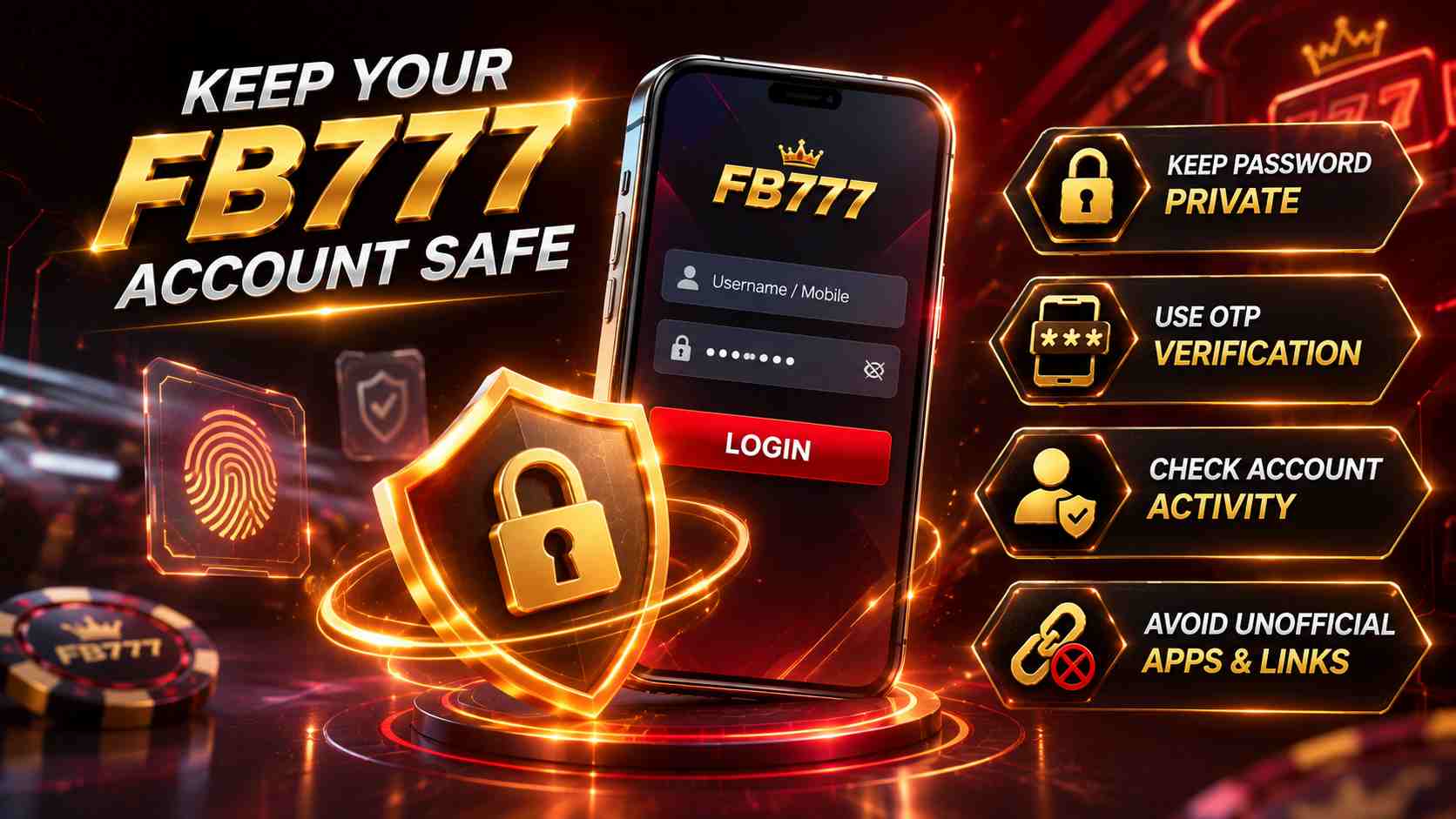
Most FB777 App Login failures are ordinary problems: a mistyped password, old autofill information, weak internet, or an app that needs attention.
But some signs should be treated differently.
For example, your correct password suddenly stops working and you receive a verification request you never started. Or you successfully log in and discover activity that you do not recognize.
At that point, the issue is no longer simply about getting past the login screen.
Pay closer attention if you notice unfamiliar transactions, unexpected verification messages, account information changing without your action, or login problems that begin after entering your credentials on an unverified page.
If something looks suspicious, use an FB777 access point you have already verified to secure your account and seek assistance. Avoid account recovery links sent through unknown social media accounts, private messages, or unfamiliar pages.
Make Future FB777 App Login Easier
A reliable login routine does not need to be complicated.
Use the same verified FB777 app instead of searching for another download whenever something goes wrong. Keep your account information accurate, use a unique password, and only update the app when you have confirmed that an update is actually needed.
It also helps to know what your normal FB777 account looks like.
If you are familiar with the usual login screen, balance, recent activity, and account settings, unusual changes become much easier to notice.
The goal is not to memorize a long troubleshooting guide. It is to know what to check first.
FB777 App Login FAQs
Q1. Why does FB777 App Login keep loading even when my password is correct?
Try changing your internet connection first. If the app keeps loading rather than rejecting your password, the problem may have nothing to do with your credentials. Switching between Wi-Fi and mobile data is a quick first test.
Q2. Why can I log in to FB777 on one phone but not another?
If the same account works on another trusted phone, your account is probably fine. Check the app and connection on the phone that cannot log in before resetting your password.
Q3. Should I reinstall the FB777 app whenever login fails?
No. First look at what is actually happening. A rejected password, endless loading screen, and unresponsive app are different problems. Reinstallation makes more sense when the app itself appears to be the issue.
Q4. Can an old FB777 app still open but fail to log in?
It may be possible for an older app to open while some functions no longer work as expected. If the app itself starts behaving strangely, check current version information through a source you trust.
Q5. Why did FB777 App Login stop working after I changed my password?
Your phone may still be filling in the previous password automatically. Delete the saved entry and manually type your current password before resetting it again.
Q6. When should I treat an FB777 login problem as a security issue?
Take the problem more seriously if you notice transactions you do not recognize, verification requests you did not initiate, unexpected account changes, or login trouble after entering your details on an unverified page.
Conclusion
When FB777 App Login fails, avoid changing everything at once.
Start with what the screen is telling you. If your password is rejected, check what you entered. If the app keeps loading, test another connection. If the app itself behaves strangely, check the application. If the same account works on another trusted phone, your account is probably not the problem.
Most importantly, a single failed login does not automatically mean you need a new password or another APK.
A better FB777 App Login routine is simple: identify the problem first, make one relevant change, and see if it works before moving to the next solution.



Comments are closed